
Competitive gaming evolves fast, and staying ahead means understanding more than just patch notes and highlight reels. If you’re here, you’re likely looking for clear insights into multiplayer platform trends, smarter strategies for live events, and a deeper grasp of the gaming performance metrics that actually separate casual play from consistent wins. This article is built to meet that need—breaking down core gameplay data, platform shifts, and tournament-tested tactics in a way that’s practical and immediately useful.
We’ve analyzed recent competitive match data, reviewed high-level tournament play, and incorporated insights from seasoned competitors to ensure the guidance here reflects what’s working right now—not last season. Whether you’re refining your ranked climb strategy or preparing for your next event, you’ll find focused, data-backed takeaways designed to sharpen decision-making, improve coordination, and maximize in-game performance where it counts most.
From lag to legend, peak gaming isn’t luck; it’s leverage. Inconsistent frame rates, stuttering, and high latency ruin competitive matches, but most players blame “bad servers.” I disagree. Data, not drama, wins. Start with baseline tracking: monitor FPS, ping, and frame-time variance. Then test changes one variable at a time—graphics, drivers, network.
• Identify bottlenecks before upgrading hardware.
• Prioritize stability over flashy settings.
Personally, I’d take consistent 144 FPS over erratic 240 any day (smooth feels like cheating). When you treat performance like a science, not superstition, improvements compound, turning clutch moments into controlled, repeatable wins. That’s mastery.
The Big Three: FPS, Latency, and Frame Time Explained
Frames Per Second (FPS) is the cornerstone of smooth gameplay. FPS simply means how many images your system renders each second. At 30 FPS, motion can feel cinematic. At 60 FPS, it feels responsive. But once you jump to 144 FPS or even 240 FPS, especially in competitive shooters, the difference is dramatic. Back in 2019, when 144Hz monitors became mainstream for esports, pros quickly proved higher refresh rates translated into faster target tracking and reaction times. Some argue that anything above 60 FPS is overkill. However, in fast-paced titles like Valorant or Apex Legends, higher FPS reduces perceived blur and tightens control (and yes, your aim suddenly feels “crisp”).
Latency (Ping): The Multiplayer Killer
Next, latency—often called ping—is the time it takes for data to travel between your device and the game server, measured in milliseconds (ms). Lower is better. Under 20ms feels instant. Above 100ms? You’ll notice delays. Importantly, server lag (the server struggling) differs from input lag (your hardware delaying actions). In fighting games, high ping can cause missed combos. In shooters, you might duck behind cover and still get eliminated. Some players blame skill gaps, but unstable connections are often the culprit.
Finally, frame time measures how long each frame takes to render. Average FPS can mislead; 120 FPS sounds great until sudden drops cause stutter. That’s where 1% and 0.1% lows matter. After three months of testing different GPUs, consistent frame pacing—not peak FPS—proved more important for competitive stability. These deeper gaming performance metrics reveal what averages hide (and why smooth beats flashy every time).
Pinpointing the Problem: Hardware vs. Software Bottlenecks
First things first, you need visibility. On-Screen Displays (OSDs) like MSI Afterburner or NVIDIA/AMD overlays let you monitor real-time metrics while gaming. Instead of guessing, you see exactly what your system is doing mid-match (yes, even during that chaotic final circle).
Identifying a GPU Bottleneck
The clearest sign is simple: GPU utilization is at 99-100% while CPU utilization is significantly lower. In other words, your graphics card is fully tapped out, and your processor is waiting around. Consequently, lowering resolution, ray tracing, or shadow quality will immediately improve performance. Many guides stop there—but here’s what they miss: competitive players can strategically cap frames slightly below max GPU load to stabilize frametimes, reducing microstutter during fights.
Identifying a CPU Bottleneck
Now flip the script: one or more CPU cores are at 100% utilization while the GPU is underutilized. This often happens in large multiplayer matches or physics-heavy simulations. More players, AI routines, and calculations mean your processor becomes the traffic controller. In this case, lowering crowd density, view distance, or simulation settings helps more than reducing textures.
The Role of RAM and VRAM
Finally, don’t overlook memory. When RAM or VRAM fills up, your system swaps data to slower storage, causing stuttering and sudden frame drops. Watch for maxed-out memory usage and hitching when entering new areas. Pro tip: leave 15–20% headroom in both RAM and VRAM to maintain consistency under peak load.
Beyond Your PC: Decoding Network Performance Metrics
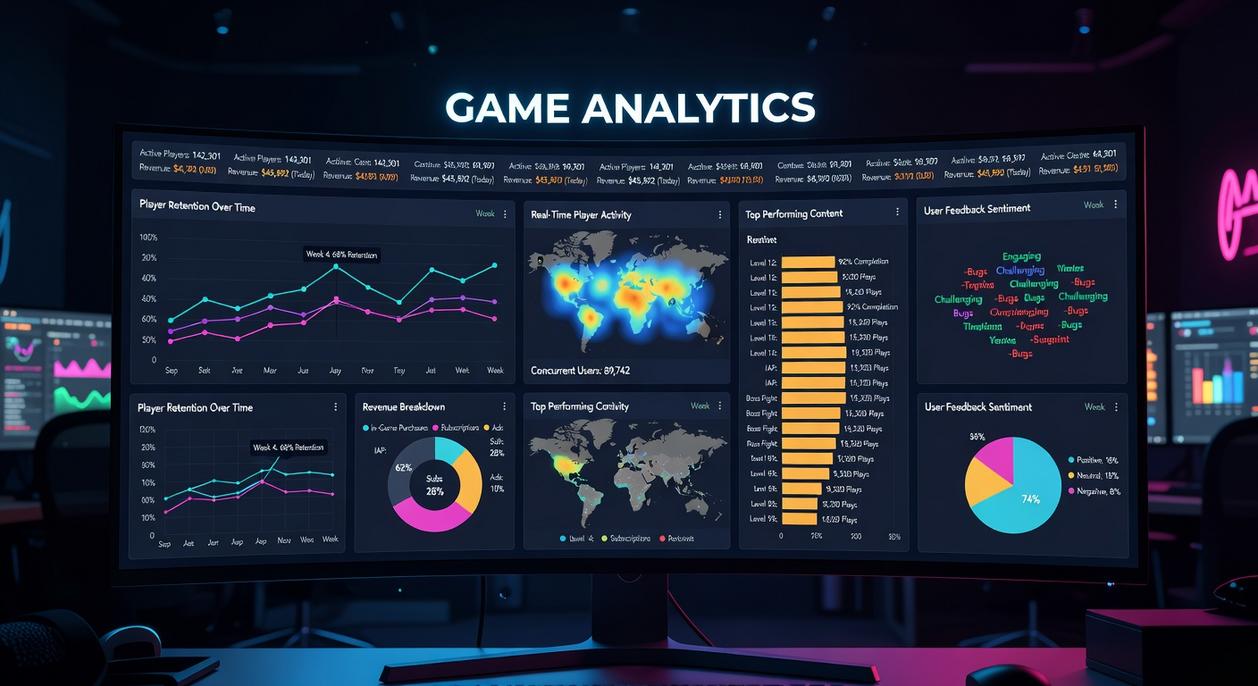
When your aim feels sharp but the match still stutters, the culprit usually isn’t your GPU—it’s your network.
Ping vs. Jitter: Why Stable Beats Fast
Ping is the time (measured in milliseconds) it takes data to travel from your device to the game server and back. Lower is better. However, jitter is the variance in that delay. In other words, if your ping averages 25ms but constantly swings between 20ms and 80ms, that’s jitter. High jitter causes unpredictable lag spikes—even if your average ping looks fine. (That “why did I die behind cover?” moment? Classic jitter.)
Packet Loss: The Data Devourer
Packet loss happens when bits of data never reach the server. Even 1–2% can wreck competitive matches. Symptoms include:
- Teleporting players
- Shots not registering
- Delayed ability triggers
- Rubberbanding during fights
In tactical shooters or high-ELO ranked lobbies, that’s the difference between clutch and collapse.
How to Test Network Stability
Start simple:
- Use in-game network graphs (common in Valorant, Apex, Warzone)
- Run
ping -t google.comin Command Prompt - Use tools like PingPlotter for route tracing
These gaming performance metrics reveal whether the issue is local or ISP-related.
What You Can—and Can’t—Fix
You can switch to wired Ethernet, reboot or update your router firmware, and reduce household bandwidth load. You can’t control server distance or ISP routing congestion during peak hours.
For deeper competitive insights, see breaking down pro level gameplay frame by frame.
From Numbers to Wins: How to Apply This Data In-Game
Data means nothing if you don’t test it. The tuning process is simple:
- Change one setting.
- Play for five minutes.
- Track FPS and frame time.
- Compare results.
Ultra shadows vs. high textures? A vs. B tells you which costs more performance (it’s often shadows). Tweak, test, repeat.
Some argue max settings always deliver the “true” experience. Fair—but smooth gameplay wins matches. A steady 144 FPS beats cinematic lighting in ranked.
Set realistic goals: stable performance over flashy visuals.
Create profiles: Cinematic Mode for story games, Competitive Mode for multiplayer. One prioritizes immersion; the other prioritizes reaction time.
Your Path to Consistent Victory
You’ve got the tools. Now it’s about using them with intention. In my opinion, most players blame “bad luck” when it’s really poor optimization (harsh, but true). No more losing matches to stutters or random slowdowns that wreck your momentum.
Focus on FPS, frame time, and latency. Those three numbers tell the real story. When one slips, your performance follows.
Here’s how I approach it:
- Enable an on-screen display and watch trends, not spikes.
- Adjust one setting at a time to isolate the culprit.
Fire up your favorite game tonight and start refining. Consistency wins tournaments.
As gamers strive to improve their skills and strategies through careful tracking of performance metrics, understanding how these statistics interact with the benefits of cross-platform gaming can provide a deeper insight into what it truly means to elevate one’s game – for more details, check out our The Rise of Cross-Platform Gaming and What It Means for Players.
Dominate Your Next Competitive Match
You came here to sharpen your edge, understand multiplayer platform trends, and break down tournament tactics that actually translate into wins. Now you have a clearer roadmap for navigating competitive play with confidence.
The difference between average players and consistent contenders isn’t luck. It’s preparation, pattern recognition, and mastering your gaming performance metrics so every match becomes a calculated move instead of a gamble.
If you’re tired of falling short in high-stakes matches or missing key strategic windows, don’t leave your progress to chance. The right insights, platform awareness, and event-tested tactics eliminate guesswork and turn pressure into opportunity.
Your next step is simple: apply these strategies in your next session, track your improvements, and refine your approach before your next tournament. If you want proven breakdowns, competitive insights, and battle-tested strategies trusted by serious players, start implementing these tactics now and elevate your gameplay immediately.