Long gaming sessions shouldn’t end with back pain, stiff wrists, and mental fatigue that costs you matches. Yet for many players, discomfort becomes part of the routine—quietly lowering focus, reaction time, and overall performance. This guide is built to change that. Instead of offering surface-level tips, we provide a clear, step-by-step blueprint for creating an ergonomic gaming desk setup that supports proper alignment, reduces strain, and maximizes efficiency. By focusing on foundational ergonomic principles, you’ll transform your gaming space into a high-performance environment designed for comfort, endurance, and a true competitive edge.
The right desk and chair setup is not just about comfort; it is about performance. When your foundation is solid, your focus sharpens, your reaction time improves, and long sessions stop feeling like endurance tests.
Start with the desk. Depth matters more than most people think. Aim for at least 25–30 inches so your monitor sits an arm’s length away and you still have room for full-range mouse movement. That extra space protects your eyes and shoulders while giving you smoother tracking in fast-paced matches. Height-adjustable desks add another layer of advantage. By switching between sitting and standing, you reduce stiffness, improve circulation, and maintain energy deeper into marathon sessions. (Your back will thank you.)
Now, about the chair. A flashy gaming chair is not automatically a good one. What you actually need is adjustable lumbar support that matches the natural curve of your spine, 4D armrests that align with your desk height, and a seat pan that lets your feet rest flat with knees at 90 degrees. This alignment reduces strain and keeps you steady during high-pressure moments.
Finally, dial in the pairing. Adjust your chair height first so your elbows rest at roughly 90 degrees. Then bring the desk up or down to meet your armrests, creating a seamless path from elbow to wrist. That ergonomic gaming desk setup translates directly into better comfort, cleaner mechanics, and more consistent results.
In the end, small adjustments today create measurable gains in stamina, accuracy, and long-term health for serious players.
Visuals and Vision: Optimal Monitor Placement for Health and Awareness
The eye-level rule means aligning the top bezel of your primary monitor at or slightly below eye height. This simple tweak keeps your neck neutral, reducing strain and tension headaches that build during long sessions. Neutral posture protects spinal alignment, which means more comfort and better in-game focus.
Next, try the arm’s length test: sit upright, extend your arm, and let your fingertips barely touch the screen. That distance minimizes eye strain and helps you process visual information faster (your eyes will thank you).
A VESA-compatible monitor arm is a game-changer: it allows micro-adjustments in height, tilt, and depth that standard stands simply can’t. The payoff? Precision positioning tailored to your ergonomic gaming desk setup, boosting endurance and situational awareness.
Running multiple monitors? Keep your main display centered and angle secondary screens inward to reduce excessive head turning. The benefit is smoother transitions between maps, chats, and stats. Pair this with smart audio optimization tips for immersive and tactical advantage to sharpen both sight and sound. Better alignment equals better performance, plain and simple.
Small adjustments today prevent long-term fatigue and keep you competitive tomorrow. Your body will notice.
Mastering Your Inputs: Ergonomic Keyboards and Mice
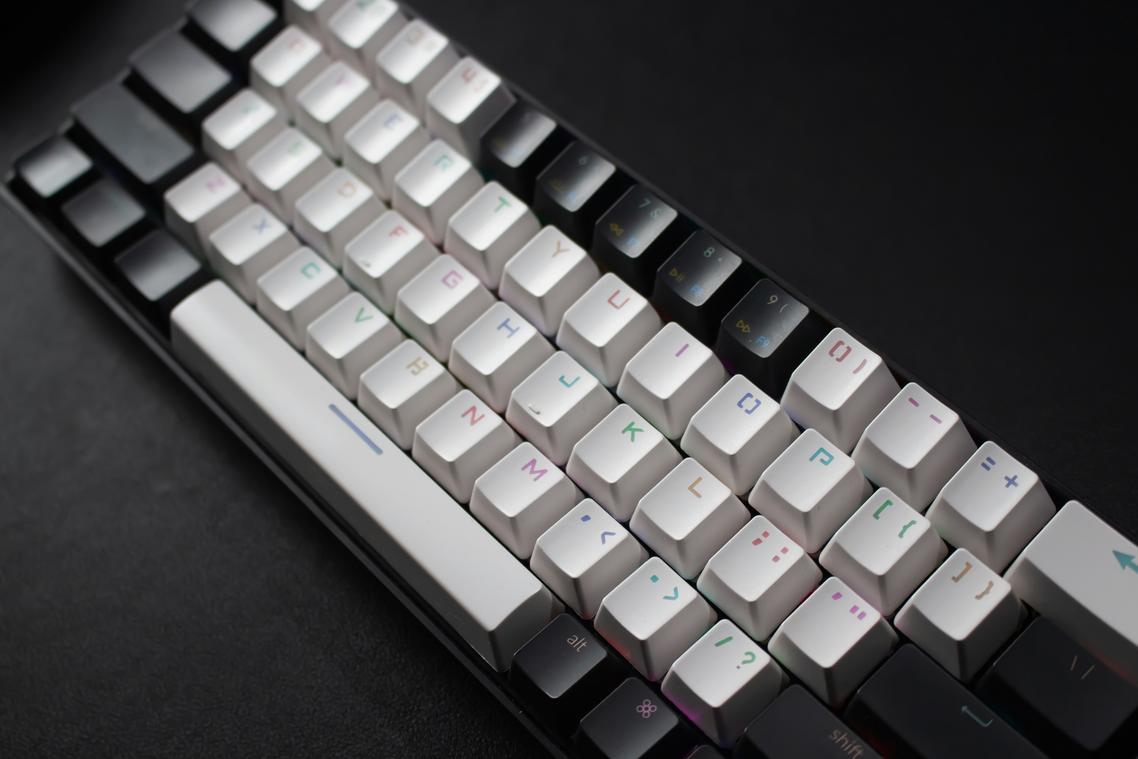
Keyboard posture is key. The goal is a neutral wrist position—meaning your wrists aren’t bent up, down, or sideways. According to the Occupational Safety and Health Administration (OSHA), sustained wrist extension or deviation increases the risk of repetitive strain injuries (RSIs). A tenkeyless (TKL) keyboard removes the number pad, letting your mouse sit closer to your body’s centerline. That small shift can reduce shoulder abduction, which research in Applied Ergonomics links to upper trapezius strain.
Some argue posture “doesn’t matter if you take breaks.” Breaks help—but poor alignment for hours daily still compounds stress on tendons (think death by a thousand clicks).
The wrist rest debate often sparks confusion. A wrist rest should support your palms, not compress your carpal tunnel. The National Institute for Occupational Safety and Health (NIOSH) warns that direct pressure on the carpal tunnel can elevate median nerve compression. Keep the rest level with your keyboard frame to avoid extension.
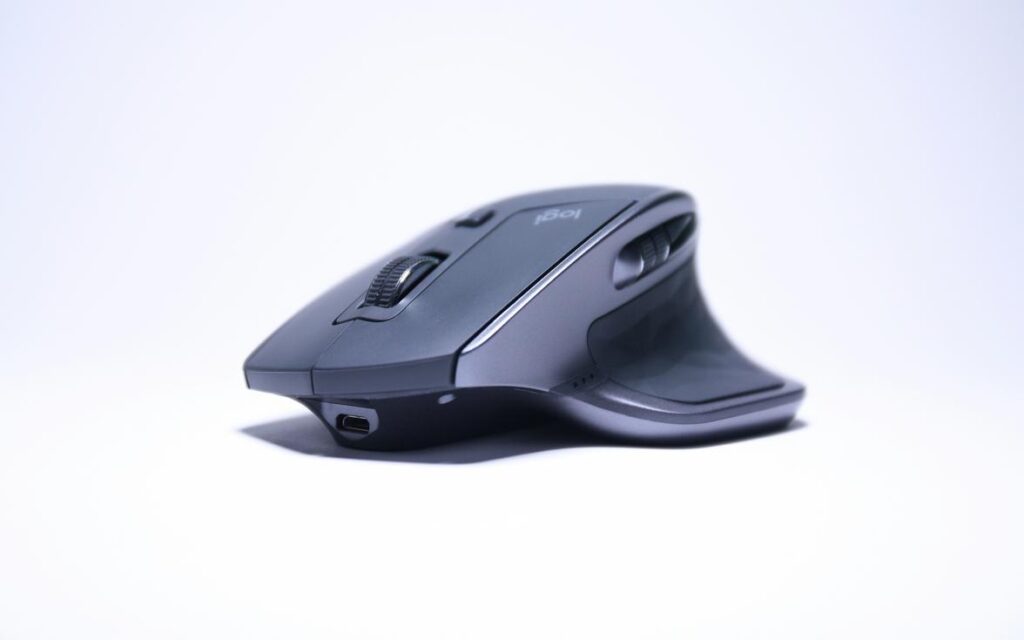
Finding the right mouse isn’t cosmetic—it’s biomechanical. A 2019 study in Human Factors found mismatched mouse sizes increased forearm muscle activity. Choose based on grip style:
- Palm grip: fuller support
- Claw grip: arched mid-body
- Fingertip grip: lightweight, compact
Too small or large? Your hand tenses (and tension is the enemy).
Arm aiming vs. wrist aiming: Lowering DPI encourages larger arm movements, distributing load to stronger shoulder muscles. Esports performance labs have shown reduced wrist extensor fatigue with arm-dominant aiming styles. It’s a cornerstone of any ergonomic gaming desk setup—and your tendons will thank you.
Optimizing Lighting and Cable Management
Glare isn’t just annoying; it reduces on-screen contrast and contributes to eye strain. A 2020 study in Applied Ergonomics found improper lighting increased visual fatigue by 24%. Position bright windows to the side and use indirect ambient lighting or a monitor light bar to protect clarity. In a competitive match, that clarity matters (every pixel counts).
Cable management is equally practical.
- Secure cords with sleeves or trays to prevent drag during fast swipes.
Research from the Human Factors and Ergonomics Society shows cluttered workspaces increase task errors. A clean ergonomic gaming desk setup sharpens focus.
Your New Battle Station Awaits
You came here to build a setup that sharpens your skill without punishing your body—and now you know how. By locking in 90-degree angles, aligning your monitor at eye level, and keeping your wrists neutral, you’ve transformed your ergonomic gaming desk setup into a performance asset instead of a liability. That means less fatigue, fewer aches, and more focus when the match is on the line.
Don’t let discomfort hold back your rank. Start today—adjust your chair height or raise your monitor and feel the difference immediately. We’re trusted by competitive players for proven, battle-tested gaming insights. Take action now and level up your comfort and control.