
Every millisecond matters in competitive gaming. If you’ve ever lost a fight you know you should have won, input lag was likely the hidden culprit. This guide tackles the full latency chain—from the instant you click your mouse to the moment the action registers on screen—so you can pinpoint exactly where delays occur. You’ll learn how to identify and eliminate hardware, software, and network bottlenecks with proven, tournament-tested adjustments. Built on years of high-level multiplayer analysis, every recommendation is designed to deliver measurable gains and help you build a low latency gaming setup that turns split-second reactions into consistent victories.
Tuning Your Machine: Core Hardware & OS Tweaks
When it comes to competitive play, tweaking settings is less about aesthetics and more about control. Think of it as Formula 1 engineering for your PC—small adjustments, massive results.
1. GPU Control Panel: Driver-Level vs In-Game
First, compare driver settings to in-game toggles. In-game “low latency” options reduce render queues, but NVIDIA’s Low Latency Mode: Ultra works at the driver level, limiting pre-rendered frames before the game even touches them. Pair that with Power Management: Prefer Maximum Performance, and you prevent GPU downclocking mid-fight. On AMD, Radeon Anti-Lag serves a similar function, synchronizing CPU and GPU workloads.
Driver-level control (A) overrides inconsistencies. In-game sliders (B) depend on how well the developer implemented them. The difference? Fewer frame-time spikes when it matters.
2. Windows Optimizations: Game Mode vs Fullscreen Control
Next, don’t stop at Game Mode. Disable Fullscreen Optimizations per game (Right-click .exe → Properties → Compatibility). Why? It bypasses extra handling from the Desktop Window Manager (DWM)—Windows’ compositor that blends visual elements. Less mediation means more direct frame delivery.
3. Power Plans: Balanced vs High Performance
Balanced mode saves energy but allows CPU downclocking. High Performance (or Ultimate Performance) locks clocks higher, reducing micro-stutters during sudden load spikes. In a low latency gaming setup, consistency beats efficiency.
4. Background Process Purge Checklist
Before launching:
- Disable Discord and GeForce overlays
- Pause cloud sync (OneDrive, Dropbox)
- Temporarily mute heavy antivirus scans
- Close RGB control hubs
Some argue modern CPUs handle multitasking fine. True—until a background update hits mid-match (and suddenly you’re lagging like it’s 2009). Pro tip: create a pre-game checklist and stick to it.
In-Game Settings: The Critical Graphics & Performance Trade-offs
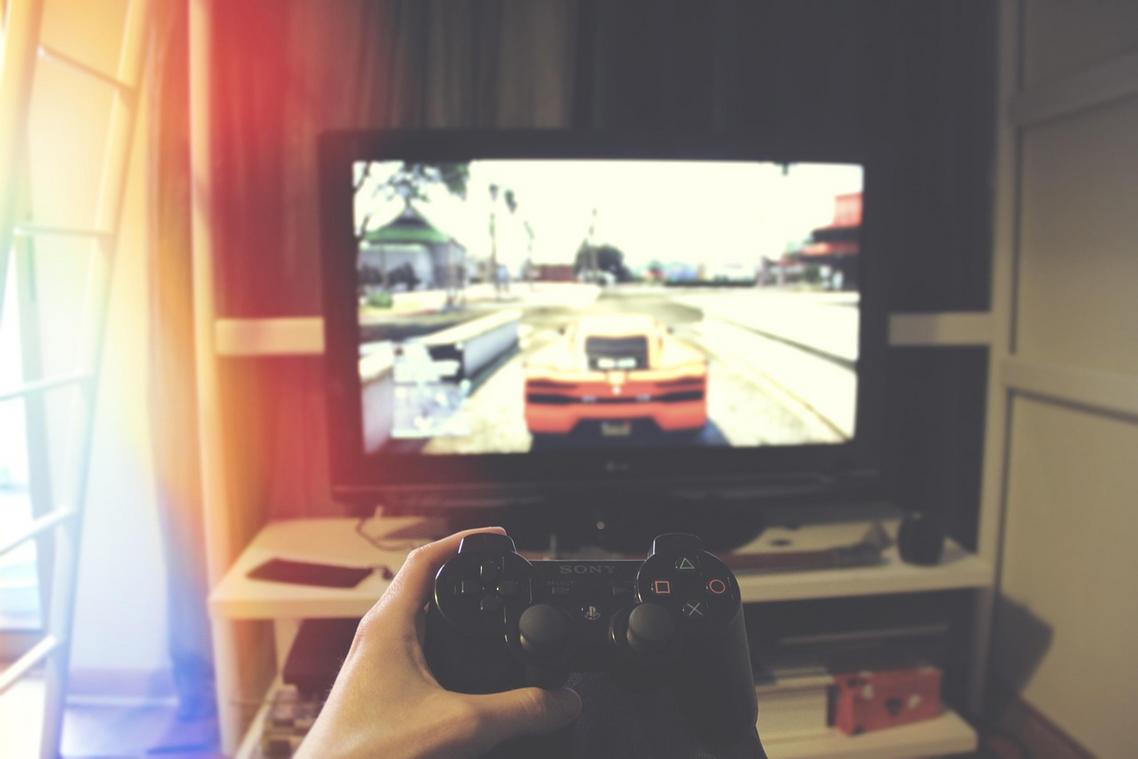
I used to think max settings meant max skill expression. I was wrong. After one too many ranked losses with “cinematic” visuals tanking my responsiveness, I finally dug into what actually matters.
The Sync Trinity Explained
Let’s define terms. V-Sync (Vertical Sync) locks your frame rate to your monitor’s refresh rate to prevent screen tearing (that horizontal split effect). The downside? Added input lag (NVIDIA, 2023). G-Sync and FreeSync are adaptive sync technologies that dynamically match your monitor’s refresh rate to your GPU’s output, reducing tearing without the heavy latency penalty.
The competitive formula I learned the hard way:
- V-Sync OFF globally
- G-Sync/FreeSync ON
- In-game frame cap 3–5 FPS below max refresh rate
Why? Hitting the refresh ceiling triggers extra latency. Staying just under it keeps frames consistent and responsive. (Pro tip: use in-game caps, not driver-level ones, when possible.)
CPU vs. GPU Bound Settings
If lowering resolution boosts FPS significantly, you’re GPU-bound (your graphics card is the bottleneck). Reduce shadows, volumetric lighting, and post-processing.
If FPS barely changes when lowering resolution, you’re likely CPU-bound. Reduce physics, player counts, draw distance, and AI complexity.
I once upgraded my GPU chasing performance—turns out my CPU was the issue. Expensive lesson.
Render Pipeline Latency
Exclusive Fullscreen bypasses parts of the OS compositor, reducing input lag compared to Borderless Windowed (Microsoft Dev Docs, 2022). For a true low latency gaming setup, fullscreen wins.
High-Impact, Low-Visual Settings
Disable immediately:
- Motion Blur (looks “cinematic,” feels sluggish)
- Chromatic Aberration (fake lens distortion)
- Film Grain
- Volumetric Fog
- Depth of Field
They add processing overhead with minimal clarity gains. Competitive play isn’t a movie—it’s milliseconds.
Your Network is Your Lifeline: Eliminating Latency & Jitter
Most players blame their ISP when matches lag. Contrarian take: it’s usually your own setup.
Wired Is Non-Negotiable
Wi-Fi sends data over radio waves, which are prone to interference from walls, microwaves, and your neighbor’s Netflix binge. Ethernet uses physical cabling, delivering lower latency (the delay between input and server response) and near-zero packet loss (when data never reaches its destination). Even Wi-Fi 6 can’t match the consistency of copper. If you’re serious about a low latency gaming setup, cables aren’t optional—they’re foundational.
Stability beats theoretical speed every time.
Router-Level Optimization (QoS)
Quality of Service (QoS) lets your router prioritize gaming packets over streaming or downloads.
- Log into your router.
- Enable QoS.
- Set your device or game traffic as highest priority.
Some argue modern routers “auto-manage” traffic well enough. Sometimes. But manual prioritization prevents sudden spikes (especially in busy households).
DNS Flushing and Optimization
DNS translates domain names into IP addresses. Switching to 1.1.1.1 or 8.8.8.8 can reduce lookup times and improve initial server connections. It won’t fix bad routing—but it can shave milliseconds.
Interpreting Network Stats
- Ping (Latency): Overall delay.
- Jitter: Variability in delay (the real enemy of smooth aim).
- Packet Loss: Missing data, causing rubberbanding.
If your graph spikes wildly, it’s not “just the game.” It’s your network. Also review hardware synergy, like when choosing the right monitor for competitive play: https://thehakevent.com.co/choosing-the-right-monitor-for-competitive-play/
Peripheral Precision: Why Your Mouse, Keyboard, and Monitor Matter
First, polling rate: 125Hz vs 1000Hz+. At 125Hz, your mouse reports position 125 times per second; at 1000Hz, it updates every millisecond. More updates mean smoother tracking—critical for a low latency gaming setup (think esports aim trainers, not office spreadsheets).
Next, refresh rate vs response time. Refresh rate (144Hz+) is how often screen redraws; response time (1ms GTG) is how fast pixels change. High refresh with slow response equals blur; fast response with 60Hz still feels capped.
Finally, overdrive. Too low: ghosting. Too high: ghosting halos. Increase, test, stop at clarity.
Optimization only matters if it measurably reduces delay. Studies from NVIDIA and Blur Busters show that lowering system latency can improve click-to-photon response by 20–30%, which directly impacts reaction-based games. In esports case studies, players shaving even 10ms saw more consistent hit registration.
Use this pre-game audit for a proven low latency gaming setup:
- System: High Performance Power Plan
- GPU: Low Latency ON
- Network: Ethernet connected, QoS active
- Game: Exclusive Fullscreen, V-Sync OFF, Frame Rate Capped
- Peripherals: Max Polling Rate
Each setting removes a link in the latency chain (milliseconds add up fast). Verify before every match.
Level Up Your Multiplayer Performance Today
You came here to understand how to gain a real competitive edge in modern multiplayer environments — from smarter platform choices to sharper tournament tactics. Now you have the insights to recognize trends early, adapt your strategy, and build a performance setup that keeps you ahead of the meta.
The reality is simple: lag, poor optimization, and outdated tactics cost matches. If you’re not prioritizing a low latency gaming setup, refining your team coordination, and studying evolving platform mechanics, you’re leaving wins on the table.
The next move is yours. Apply these strategies to your current setup, analyze your recent matches for weak points, and start optimizing for speed, precision, and adaptability today.
Serious competitors don’t wait for the next patch to improve. They prepare in advance. If you’re ready to stop falling behind and start dominating your lobbies and tournaments, take action now and implement what you’ve learned — your next win depends on it.

 Patriciavina McMillan writes the kind of expert breakdowns content that people actually send to each other. Not because it's flashy or controversial, but because it's the sort of thing where you read it and immediately think of three people who need to see it. Patriciavina has a talent for identifying the questions that a lot of people have but haven't quite figured out how to articulate yet — and then answering them properly.
They covers a lot of ground: Expert Breakdowns, Core Gaming Insights and Strategies, Multiplayer Platform Trends, and plenty of adjacent territory that doesn't always get treated with the same seriousness. The consistency across all of it is a certain kind of respect for the reader. Patriciavina doesn't assume people are stupid, and they doesn't assume they know everything either. They writes for someone who is genuinely trying to figure something out — because that's usually who's actually reading. That assumption shapes everything from how they structures an explanation to how much background they includes before getting to the point.
Beyond the practical stuff, there's something in Patriciavina's writing that reflects a real investment in the subject — not performed enthusiasm, but the kind of sustained interest that produces insight over time. They has been paying attention to expert breakdowns long enough that they notices things a more casual observer would miss. That depth shows up in the work in ways that are hard to fake.
Patriciavina McMillan writes the kind of expert breakdowns content that people actually send to each other. Not because it's flashy or controversial, but because it's the sort of thing where you read it and immediately think of three people who need to see it. Patriciavina has a talent for identifying the questions that a lot of people have but haven't quite figured out how to articulate yet — and then answering them properly.
They covers a lot of ground: Expert Breakdowns, Core Gaming Insights and Strategies, Multiplayer Platform Trends, and plenty of adjacent territory that doesn't always get treated with the same seriousness. The consistency across all of it is a certain kind of respect for the reader. Patriciavina doesn't assume people are stupid, and they doesn't assume they know everything either. They writes for someone who is genuinely trying to figure something out — because that's usually who's actually reading. That assumption shapes everything from how they structures an explanation to how much background they includes before getting to the point.
Beyond the practical stuff, there's something in Patriciavina's writing that reflects a real investment in the subject — not performed enthusiasm, but the kind of sustained interest that produces insight over time. They has been paying attention to expert breakdowns long enough that they notices things a more casual observer would miss. That depth shows up in the work in ways that are hard to fake.