If you’re searching for a practical, no-fluff lan tournament preparation guide, you’re likely getting ready for a high-stakes event and don’t want to leave anything to chance. LAN tournaments demand more than raw skill—they test your setup, communication, adaptability, and mental endurance under real competitive pressure.
This article is built to match that intent. We break down essential preparation steps, from hardware checks and network optimization to team coordination drills and event-day routines. You’ll also find tactical insights tailored to multiplayer tournament environments, helping you anticipate common LAN-specific challenges that don’t show up in online play.
Our guidance is grounded in hands-on competitive analysis, multiplayer trend tracking, and real tournament scenario breakdowns. Instead of generic advice, you’ll get structured, actionable strategies you can apply immediately—so when match day arrives, your focus stays where it belongs: executing, adapting, and winning.
From Chaos to Control: Your Ultimate LAN Tournament Blueprint
Planning a LAN tournament sounds simple—until cables tangle, brackets break, and Wi‑Fi buckles under pressure. While many guides skim logistics, this lan tournament preparation guide dives into overlooked advantages: redundant switch stacking (linking network switches for failover), pre-seeded brackets based on ELO ratings, and live packet monitoring to prevent latency spikes.
Some argue small events don’t need that depth. However, even a 16-player bracket can collapse from one router failure. Moreover, proactive power-load balancing and on-site spare peripherals separate smooth events from meme-worthy disasters. Ultimately, precision planning transforms chaos into competitive magic.
Phase 1: The Strategic Foundation (Venue, Game & Rules)
Before brackets, before hype, before anyone shouts “GG,” you need a battlefield.
Choosing Your Battlefield: Venue Selection Checklist
A venue isn’t just a room with tables—it’s the infrastructure that determines whether your event feels professional or painfully amateur. Start with space per player (at least 6–8 feet per station to avoid cable chaos). Next, assess power circuit availability—overloaded breakers can crash more than morale. Then there’s internet reliability: low latency (delay in data transfer) is critical for competitive integrity. Finally, consider accessibility—parking, public transport, and ADA compliance matter more than you think.
Some argue that smaller venues create “better vibes.” True—but cramped layouts increase overheating and technical risks. Comfort scales better than nostalgia.
Defining the Game: Selecting a Primary Tournament Title
Game choice is strategy.
- Large player base vs. niche community: Bigger titles draw crowds; niche games build loyalty.
- LAN-capable vs. online-dependent: LAN (Local Area Network) reduces latency and internet failure risks.
- Spectator appeal vs. complexity: Fast, readable gameplay keeps audiences engaged (think Valorant over ultra-technical RTS titles).
If your event is under 64 players, prioritize reliability over spectacle. (No one remembers flashy trailers when servers crash.)
Structuring the Competition: Tournament Format Compared
- Single Elimination: Fast, efficient, brutal. Best for tight schedules.
- Double Elimination: Fairer, longer runtime. Ideal for mid-sized events.
- Round Robin: Everyone plays everyone. Competitive depth, but time-heavy.
For small weekend events, Single Elim works. For prestige brackets, Double Elim wins on credibility.
The Rulebook: Clarity Wins
Your ruleset should define game settings, player conduct, dispute resolution, and a zero-tolerance cheating policy. Ambiguity invites conflict.
Pro tip: Publish rules one week early and require written acknowledgment. Preparation beats drama—every time. For deeper logistics, consult a structured lan tournament preparation guide to align venue, format, and enforcement seamlessly.
Phase 2: The Technical Gauntlet (Power, Network & Gear)
The Power Grid: The Single Most Common Point of Failure
Let’s start with the mistake almost everyone makes at least once: assuming the venue’s power can “probably handle it.” It can’t. Not without planning.
To avoid tripping breakers mid-finals (yes, it’s as dramatic as it sounds), calculate total power draw in watts. Add up every PC, monitor, and server. For example, a gaming PC can pull 500–750W under load, and a monitor adds 30–100W. Multiply that by 20 players and suddenly you’re flirting with disaster.
Then, map every outlet to its electrical circuit. Separate high-draw systems across circuits so no single breaker gets overloaded. Pro tip: test everything under load before doors open—run a stress test on all machines simultaneously.
Building a Rock-Solid Network: Wired vs. Wireless
Some argue modern Wi-Fi 6 is “good enough.” In theory? Maybe. In practice, wireless adds latency, interference, and unpredictability (three things competitive gamers despise).
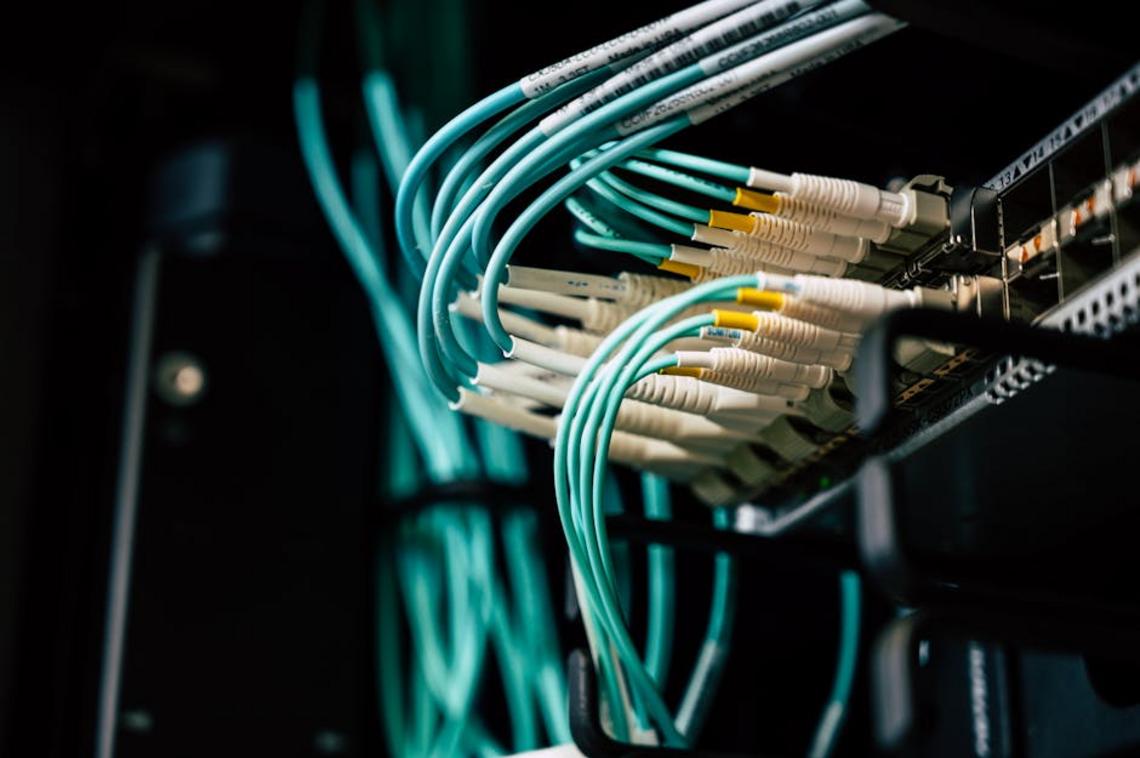
A fully wired LAN using quality gigabit or 2.5G switches is non-negotiable. Set up a dedicated LAN network:
- Connect all PCs via Ethernet to managed switches.
- Connect switches to a central router (DHCP enabled).
- Disable external bandwidth-heavy services.
- Assign static IPs for servers.
We once relied on a mixed wired-wireless setup. The result? Packet loss during semifinals. Lesson learned.
For deeper context on competitive adjustments, review adapting strategies between online and offline events.
Server & Software Setup
Next, configure a dedicated server that meets your game’s CPU, RAM, and bandwidth requirements. Pre-install all clients, patches, and anti-cheat tools before event day. Updates mid-event are morale killers.
The Player Gear Checklist (BYOC)
Finally, create a clear BYOC list in your lan tournament preparation guide:
- PC or console
- Monitor
- Power cables
- Display cables (HDMI/DP)
- Ethernet cable
- Mouse, keyboard, headset
- Power strip
Because nothing delays brackets like someone whispering, “Does anyone have a spare HDMI?”
Phase 3: Game Day Execution & Crisis Management
This is where theory meets reality. You can read every lan tournament preparation guide out there, but GAME DAY is its own beast.
The Arrival: Streamlining the Check-In Process
Keep check-in SIMPLE. A basic registration sheet (Google Sheets works fine) or a tournament platform can track player names, collect fees, and assign seating. Don’t overcomplicate it. The goal is flow, not bureaucracy (no one wants DMV vibes before a match).
I personally prefer digital check-in over paper. It’s faster, searchable, and reduces “I already paid” confusion. According to Eventbrite’s event management research, streamlined check-ins significantly reduce attendee frustration and delays (Eventbrite Organizer Report). That matters when matches are on the line.
Bracket Management 101
Use free tools like Challonge or Battlefy for real-time bracket updates. A central display screen is NON-NEGOTIABLE. Players hovering around a single admin asking, “Who am I playing?” kills momentum.
Some argue printed brackets feel more “authentic.” I disagree. Digital updates prevent disputes and save time. Efficiency beats nostalgia.
Common Day-Of Disasters (And Fixes)
- Network Issues – Restart routers, have backup cables, and limit non-essential bandwidth use.
- Game Updates – Force updates BEFORE the event. Disable auto-updates if possible.
- Player Disputes – Establish clear rules in advance. Screenshot results immediately.
Keeping the Energy High
Downtime is dangerous. Provide snacks, a hype playlist, or a casual side station. Think of it like a Marvel post-credit scene—keep people engaged so they don’t leave early.
Momentum isn’t accidental. It’s MANAGED.
The Final Round: Launching a Legendary LAN Event
You have the complete strategic and technical playbook to host a memorable LAN tournament, avoiding the chaos that ruins most events. Follow this step-by-step lan tournament preparation guide to lock in power, optimize networking, and publish crystal-clear rules.
Test every cable, router, and power strip the night before.
- Assign setup leads for brackets, streaming, and tech support.
- Run a mock match to catch latency or hardware issues.
Replace guesswork with checklists, backups, and clear schedules. When doors open, you’ll control the room—not the other way around. Send invites, prep gear, and play.
Master Your Next LAN With Confidence
You came here to sharpen your edge and prepare properly for your next event. Now you understand the critical elements that separate casual players from serious contenders — structured practice, hardware optimization, team coordination, bracket awareness, and mental endurance.
The biggest pain point in competitive LAN play isn’t talent — it’s lack of preparation. Missed setups, poor communication, and preventable mistakes cost matches before they even begin. That’s exactly why following a proven lan tournament preparation guide changes everything. Preparation turns pressure into confidence.
Now it’s time to take action. Review your setup checklist, run full team scrims under tournament conditions, and refine your strategy before match day. If you want deeper competitive insights, advanced multiplayer breakdowns, and tournament-tested tactics trusted by serious players, dive into our expert guides now.
Stop walking into LAN events hoping you’re ready. Start showing up knowing you are. Level up your preparation today.